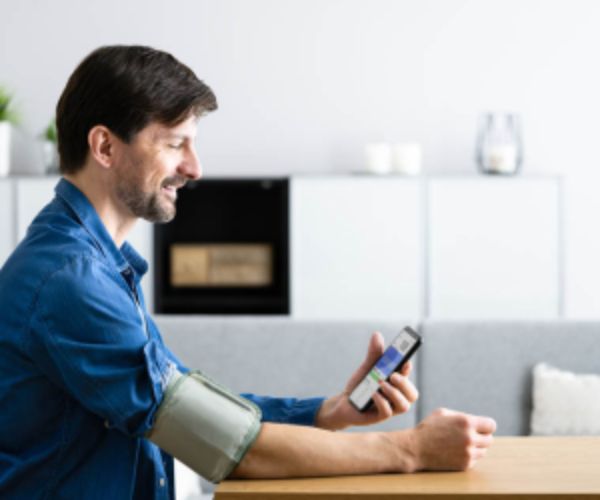
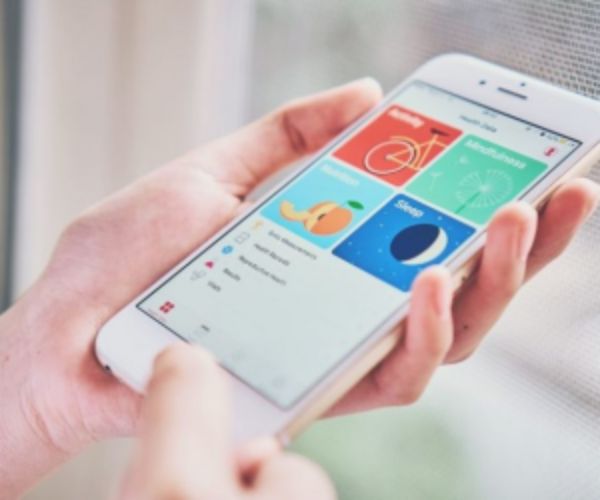
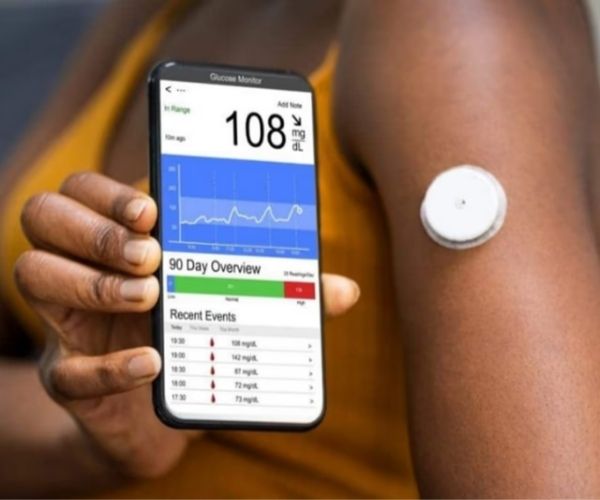
Technology has undoubtedly transformed healthcare, making it easier to monitor blood pressure.
This article explores how these apps can offer valuable insights and enable regular blood pressure tracking.
1. Is there an app that helps monitor blood pressure?
In fact, there are several apps that help with blood pressure monitoring and can be easily synced with digital blood pressure monitors.
In addition to recording readings, these apps display graphs and trends over time, helping patients, doctors, and healthcare professionals make more effective treatment decisions.
Advertisement
Keep in mind that blood pressure control apps can be synced with digital monitors via Bluetooth or wireless connectivity.
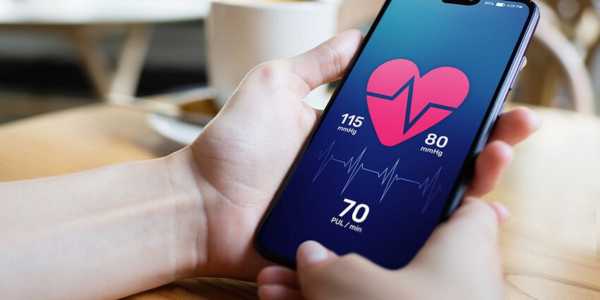
2. How can you monitor your blood pressure using your phone?
As we can see, it is becoming easier every day to control blood pressure efficiently, all thanks to technological advances.
To do this, all we need is our smartphone and a digital blood pressure monitor.
Although each manufacturer has its own specific instructions, I’ve put together a general step-by-step guide so you can monitor it with the help of your phone:
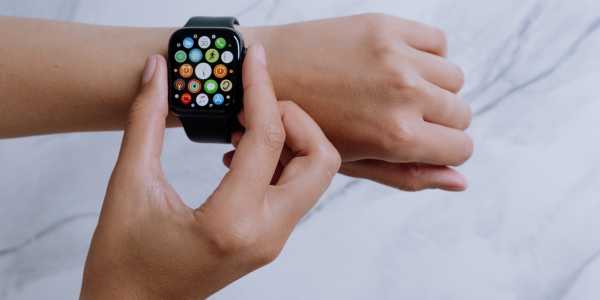
- Make sure the digital monitor is compatible with the blood pressure monitoring app you want to download.
- Go to your phone’s app store (Google Play or App Store) and download the app.
- Make sure the monitor is fully charged and follow the manufacturer’s instructions for setup.
- Open the app you downloaded on your phone and follow the instructions to pair the monitor. Syncing is usually done via Bluetooth.
- Once all the necessary settings have been configured, measure your blood pressure using your digital monitor. Depending on the model, some should be placed on the wrist, while others use a cuff on the arm.
- Then wait for the reading and enter it into the app. Normally, the BP reading is shown on the monitor and automatically recorded in the app.
- Finally, all recorded readings are stored in the app and can also be shared with doctors or healthcare professionals.
If you still don’t know which app to use, here is a list of some of the best apps to monitor your blood pressure::
- SmartBP;
- Qardio Heart Health;
- Blood Pressure Diary.
Oh, and be sure to check out our complete guide on SmartBP. Get an innovative tool for monitoring blood pressure in your hands!
Advertisement
3. Tips for Regulating Blood Pressure
In addition to maintaining proper BP monitoring through digital tools, it is also important to keep blood pressure under control to avoid possible health complications. Check out some tips that can help you:
- Include a healthy diet in your routine, with more fruits, vegetables, whole grains, lean meats, among other foods. Likewise, it is also important to reduce salt intake and avoid processed foods.
- Exercise regularly. In this sense, aerobic activities are the most recommended, such as walking, swimming, or cycling, for at least 30 minutes, three times a week.
- Remember that it is important to consult your doctor before starting any physical activity.
- Reduce daily stress by practicing meditation, yoga, or finding a hobby that interests you. Getting quality sleep is also essential.
Keep proper control of your blood pressure. This makes it easier to identify any irregularities early.
In this sense, blood pressure monitoring apps can be excellent allies. That way, you can set paper and pen aside!