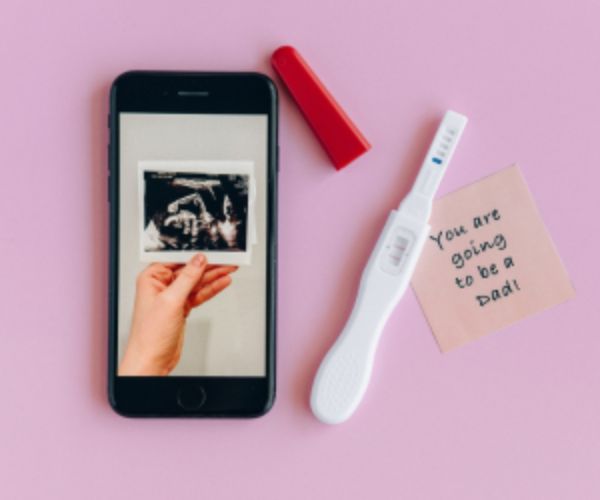
Can you imagine being able to take a pregnancy test without having to leave home?
Technology is definitely reaching places never imagined before.
You have certainly already heard about pregnancy tests that are usually found in pharmacies.
Well, the test I’m bringing you in today’s post is very similar to those, but it has one difference: it works with bluetooth
Advertisement
Yes! That’s exactly what you just read. If you are expecting and want to know whether you are pregnant or not, First Response Pregnancy Pro is one of the most modern options on the market.
It has an app that gives you all the support you need. Besides it, there are also other free pregnancy tests on your phone that you can also check out.
Are you curious yet? Then keep reading and learn more about this new feature that has just arrived on the market. Check it out!
How It Works
Basically, at first glance, the test is very similar to the ones we normally find in pharmacies, as it analyzes urine to detect whether the woman is pregnant or not.
However, the big difference is its app for iOS and Android called EasyRead
The first thing a woman needs to do is download the app to her device. Once that is done, the app itself will provide all the necessary information instructions for taking the test.
Advertisement
Remember that the pregnancy test has bluetooth that connects to the app as soon as the test begins.
This allows the result to be viewed in three minutes on the smartphone. And the app developers really thought of everything!
While the woman waits for the result, she can access useful pregnancy data or listen to relaxing music, since this is a very anxious moment.
After the result comes out, if it is positive, the app indicates approximately when the birth will occur, in addition to providing valuable information about prenatal care.
If the result is negative, it provides tips on how to increase the chances of getting pregnant.
See also:
How much it costs
It has been proven that First Response Pregnancy Pro is more than 99% accurate from the expected day of menstruation, and averages $12.98. It is important to note that the EasyRead app is free.
See below how to download the app to your device.
How to download from Google Play
If your device uses the Android System, go to the app store, in this case Google Play, and type the name of the app. As soon as it appears on the screen, tap “Install.”
Wait a few seconds while the download is completed. Once it is installed on your phone, you can open it and follow the instructions.
How to download from the Apple Store
If your device uses the iOS system, go to the app store, in this case the Apple Store. Search for it and type the name of the app. When it appears on the screen, click the “Get” button. After a few seconds, the app will be available on your device. Open it and follow the instructions to take the test.