Check out the list of the best video editing apps available on the market.
Videos are the new tools that are certainly taking over the internet, whether on Reels, Youtube, Tik Tok and other platforms.
If you still haven’t invested in videos, the thought has probably already crossed your mind that it’s a great option, and it really is!
A study released by Inside Video proved that Brazil stands out compared to other countries when it comes to free and online videos.
Advertisement
And, as everyone knows, creating videos requires knowledge, tools, and even more time.
One of the most frequent questions from those who live in or want to enter this world of videos is which apps and tools are necessary to create them.
And to help you through this process, we created a short list with some of these apps, their features, and even download availability according to each device.
We’ll have paid and free options, from the simplest to the most complex to use.
Find out which one makes the most sense for you, which one best fits your needs, and finally shine in your content production. Check it out!
Inshot
When it comes to editing videos, the Inshot app is on the list of favorites, as it meets the needs of people with different skill levels. In other words, it works for both beginners and those who already have some experience, and it is ideal for anyone who does the entire creation and editing process on their own phone.
Advertisement
With it, you can resize images, trim, add music, transitions, among many other endless possibilities.
Capcut
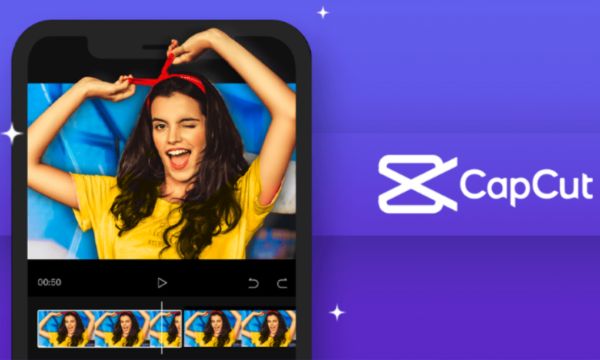
CapCut Videos (Source – Canva)
A super complete app for making your edits quickly and conveniently right on your phone and, best of all, it’s free.
CapCut brings together features such as repositioning video clips, inserting a soundtrack (music or ringtones that the app itself offers), trimming, adding effects, filters, and even one of its most famous tools: automatically and conveniently generating subtitles for videos.
Kinemaster
The interface of the KineMaster app strongly resembles conventional and more popular video editing programs.
It’s super easy to use and comes with several features and tools to help you create your videos and customize your content.
With it, you can work with chroma key, adjust a video’s brightness, insert a soundtrack, and other elements that can give your videos an extra visual touch.
Vllo
The VLLO app is super practical, as it offers features we’re already used to using on some platform, and it’s a favorite among Instagram users.
With it you can do: color correction, transitions, video layers, save videos without a watermark, save videos in 4K, and much more.
Life Lapse
With this app, it’s possible to create a video that looks very much like a time lapse, and we bet you’ve already seen something similar out there.
In Life Lapse, it’s possible to edit videos through tutorials provided by the app itself, helping you create content and achieve better results.
Now it’s much easier to create videos in a simple, quick, and much more creative way.
Install the video editing apps and identify the best option to meet your needs. Have fun!



