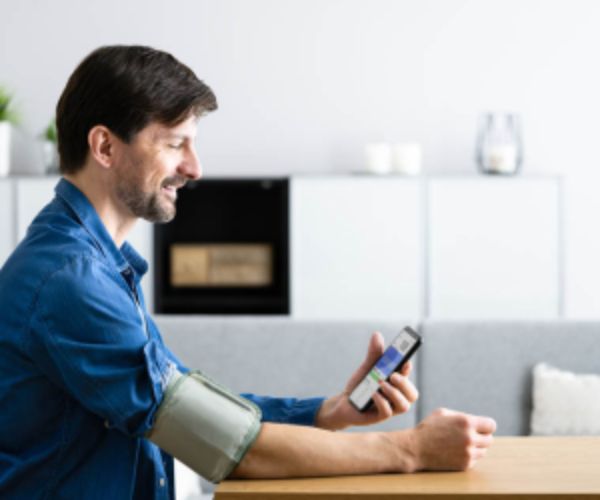
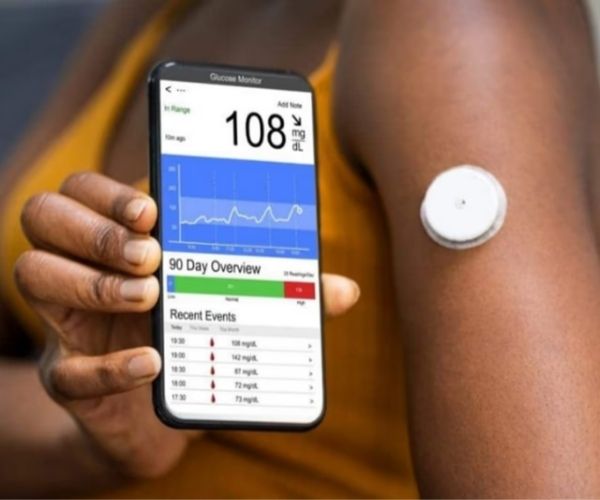
With Diabetes:M, monitoring your glucose becomes simpler, more accurate, and integrated into your daily routine, helping you understand your patterns and make informed decisions.
Have you ever felt overwhelmed trying to gather your glucose meter, diet, and insulin data all in one place?
Diabetes: M was created to meet exactly that need.
Think of it as your digital right hand, an organizer that lets nothing get lost. It turns self-care, once scattered, into something cohesive and visible.
Advertisement
Designed for everyone, Type 1, Type 2, and gestational diabetes, it offers reports and analyses that go far beyond the basics.
It is the tool that gives you the power to anticipate problems instead of just reacting to them.
Let’s take a closer look at how it works.

How Diabetes:M makes glucose monitoring easier
Diabetes:M works as a high-performance digital diary, bringing together data that used to be scattered across spreadsheets, notes, or different apps.
It allows you to analyze your blood glucose readings, food intake, and insulin all in one place.
With it, every entry is contextualized: you can mark whether the glucose reading was taken fasting, after meals, or at another relevant time.
Advertisement
This level of detail turns simple numbers into meaningful information.
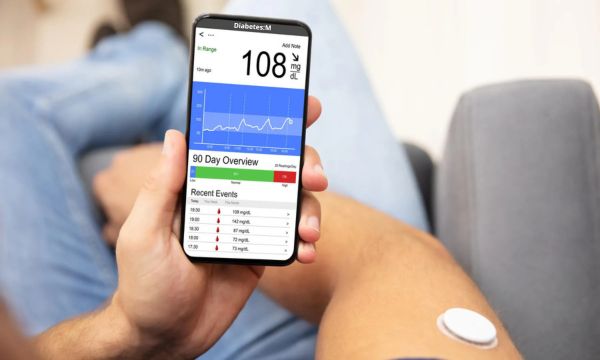
The app also offers visual representations of glucose trends, showing daily, weekly, and monthly variations in an intuitive way.
This visualization makes it easier to quickly understand how different habits, foods, and insulin doses affect your glycemic control.
Step by step: Setting up Diabetes:M on your device
Getting started is quite simple, but it requires attention to detail so the calculations are accurate.
Think of this as the “calibration” of your new right hand:
- Download and install: Search for the app in your app store (Android/iOS).
- Initial sign-up: Create your account with an email and password, and choose your type of diabetes (T1, T2, Gestational).
- Set the units: Choose the unit system (Metric/Imperial) and, very importantly, how your blood glucose will be displayed (mg / dL or mmol / L).
- Fill in your parameters: Enter your physiological data, such as weight, height, and activity factor.
- Set up therapy: Specify your therapy (for example, multiple injections or an insulin pump) and configure the types of insulin you use (rapid-acting, long-acting, and basal).
- Optional connection (devices): If you have a compatible meter, go to “Data” → “Devices” to add a Bluetooth Device.
Tip: It is crucial to review your therapy settings and unit of measurement.
If your meter shows glucose in mg/dL and you set the app to mmol/L, the calculations will be completely wrong!
Main features of the app for people with diabetes
Diabetes:M is not limited to being a logbook, it is a management center. Here are the features that make the biggest difference in everyday life:
- Bolus Advisor: The calculator is one of its strong points. It uses your sensitivity factor and carbohydrate/insulin ratio to suggest the ideal dose, including corrections.
- Complete nutritional tracking: The app has a vast nutritional database. You can log not only carbohydrates, but also proteins and fats, which affect blood glucose at different times.
- Reports and charts: Generation of charts and visualizations (daily, weekly, monthly) that provide a holistic view of your health.
- Web Platform (Monitor): Access to the web interface allows you to view your data on a computer, making communication with your healthcare team easier in some cases.
It is the difference between simply collecting data and actually using that data to make better decisions.
Integrating the Diabetes:M app with other monitoring devices
The ability to connect with other devices is what transforms the app from manual to automatic, reducing the likelihood of typing errors.
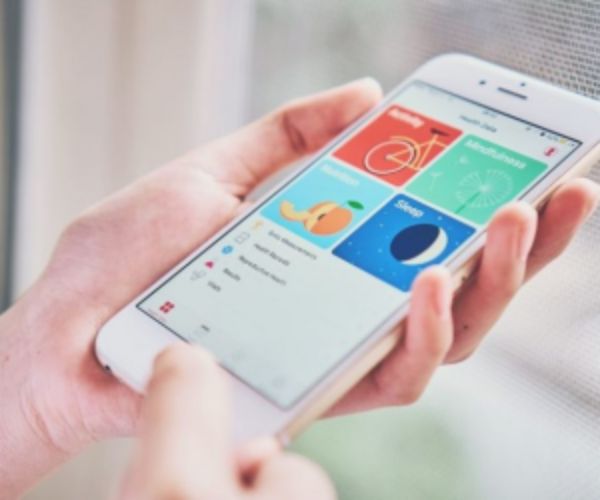
- Apple Health and Wearables: The app syncs with Apple Health, allowing you to import data from thousands of other health apps and accessories (Garmin, Fitbit, My Fitness Pal, etc.). This centralizes your physical activity and weight.
- Logging from your wrist: With the Apple Watch, you can check your daily intake and, even better, log new values (glucose, carbohydrates, insulin) directly on the watch, in a super discreet way.
- Direct Bluetooth connection: Diabetes:M can connect via Bluetooth with compatible meters (such as the Nipro 4Sure Smart) to send readings automatically, which is a huge relief.
- File import: Even if your device does not have a compatible Bluetooth connection, you can analyze the data by importing files exported from glucose meter management programs.
Important: Direct Bluetooth connection may vary by region and is generally a feature exclusive to the Premium plan.
Checking your meter’s compatibility is the first step.
Diabetes:M Premium: Extra features worth it
If using the free version is “good,” Premium is “excellent.” If you are someone who really needs maximum accuracy, the monthly investment (starting at US$ 4.99) is justified by:
- PDF/XLS reports: Your reports are generated in a professional format (PDF or Excel), offering more export options for your doctor.
- Advanced pattern analysis: The most valuable feature. The app helps detect recurring patterns of high or low blood glucose levels that would be difficult to identify with the naked eye.
- Expanded database and recipes: Access to an expanded food database and the ability to analyze homemade recipes.
- Uninterrupted experience: Removing all ads allows you to focus completely on your management.
In my opinion, if you have Type 1 diabetes and manage complex control, the Premium analysis and reporting features are a crucial tool for the quality of your treatment.
Tips to maximize the use of Diabetes:M in your daily life
An app is only as good as the data you enter. To get the most out of Diabetes:M, adopt these practices:
- Be consistent, not perfect: Always log all readings and events (food, activity). The more data, the more the app “learns” about you.
- Prioritize automation: Use the Bluetooth connection or file import to avoid typing errors.
- Review regularly: Don’t wait for your next appointment. Set aside 15 minutes a week to analyze the charts and try to identify a pattern on your own.
- Adjust notifications: Make sure the app’s permissions are active so you receive important reminders and alerts according to your settings.
Remember: Diabetes: M is a powerful tool, but the engine of change is your daily commitment.
It helps with diabetes management, but does not replace medical follow-up, which remains essential for decisions about treatment and insulin adjustments.
Managing diabetes is a journey of continuous learning, and having Diabetes:M by your side makes that journey much lighter and more informed. You are in control, equipped with data and technology.
Keep exploring the best ways to take care of your health and discover more valuable tips on technology and well-being that we have prepared for you!